
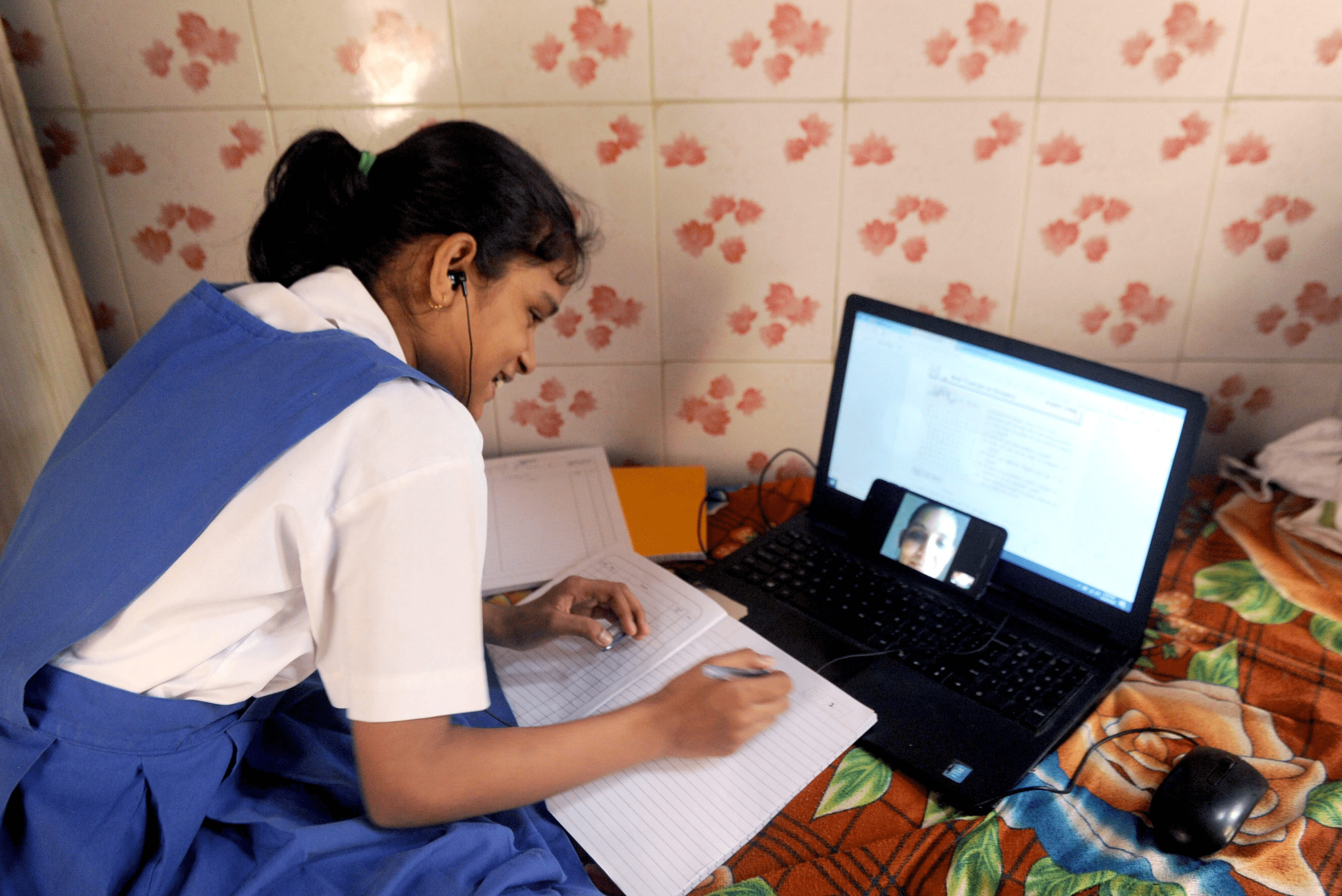
Understanding DEB ID and ABC ID is essential for students pursuing higher education, especially those engaging with open and distance learning or online programs. Many students ask, What is DEB ID? and why it matters. At its simplest, DEB ID is a unique registration identifier connected to a student’s Digilocker / ABC ID and personal details like APAAR. Getting these IDs right ensures your academic profile is valid and usable for admissions, scholarships, verifications, and more.
The terms might sound technical, but once you follow the steps and understand the logic, the process becomes clear, organized, and student‑centric.
Understanding ABC ID and APAAR
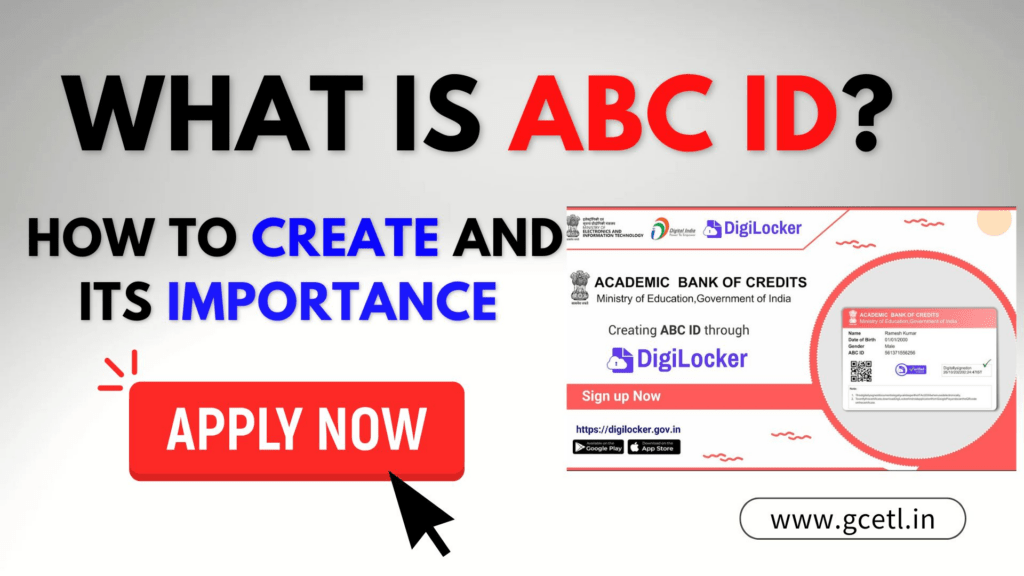
ABC ID stands for Academic Bank of Credits ID. It is tied to the Automated Permanent Academic Account Registry (APAAR) — a digital academic profile that stores your academic credentials and personal details in a permanent ledger.
Why ABC ID and APAAR Matter
Students studying in India or in distance education often need a verified academic identity. These IDs provide:
- A single academic identity across institutions
- Digital verification of academic records
- Support for admissions, transfers, and credential checks
Components of APAAR Card
The APAAR card is a digitally signed academic document that typically includes:
- Student’s Name
- Date of Birth
- Gender
- APAAR ID
This card is important because institutions check the details here before allowing a student to proceed with their DEB ID creation.
Step‑by‑Step: How to Create Your ABC ID
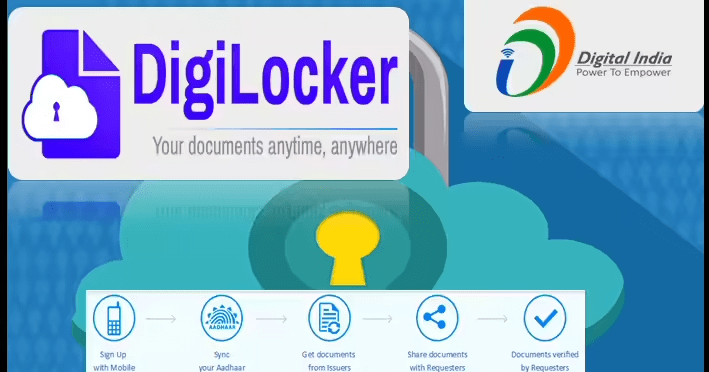
Creating an ABC ID is the first step students must take. This ID forms the foundation for generating your DEB ID.
Steps to Create ABC ID
- Open your Digilocker account – If you don’t have one yet, set it up with your Aadhaar and basic details.
- Verify your identity in Digilocker – Ensure all personal information is correct.
- Generate your academic profile – This becomes your academic identity that feeds into the APAAR.
These steps are straightforward when followed carefully. The key is accurate personal data and using your Aadhaar‑linked name and date of birth.
What is DEB ID and Why You Need It

DEB ID stands for Distance Education Bureau Identification. It is a unique identifier students need for admissions in open and distance learning or online learning programs. The DEB system requires students to have a correct and updated ABC ID first before generating the DEB ID.
When DEB ID Is Used
学生 needing DEB ID typically use it for:
- Enrolling in distance education courses
- Getting admission across multiple universities
- Verifying eligibility for programs under open and distance learning
Without a correct DEB ID that matches your ABC ID and APAAR profile, many online admission portals will not process your details.
Correcting or Updating ABC ID / APAAR Before DEB ID
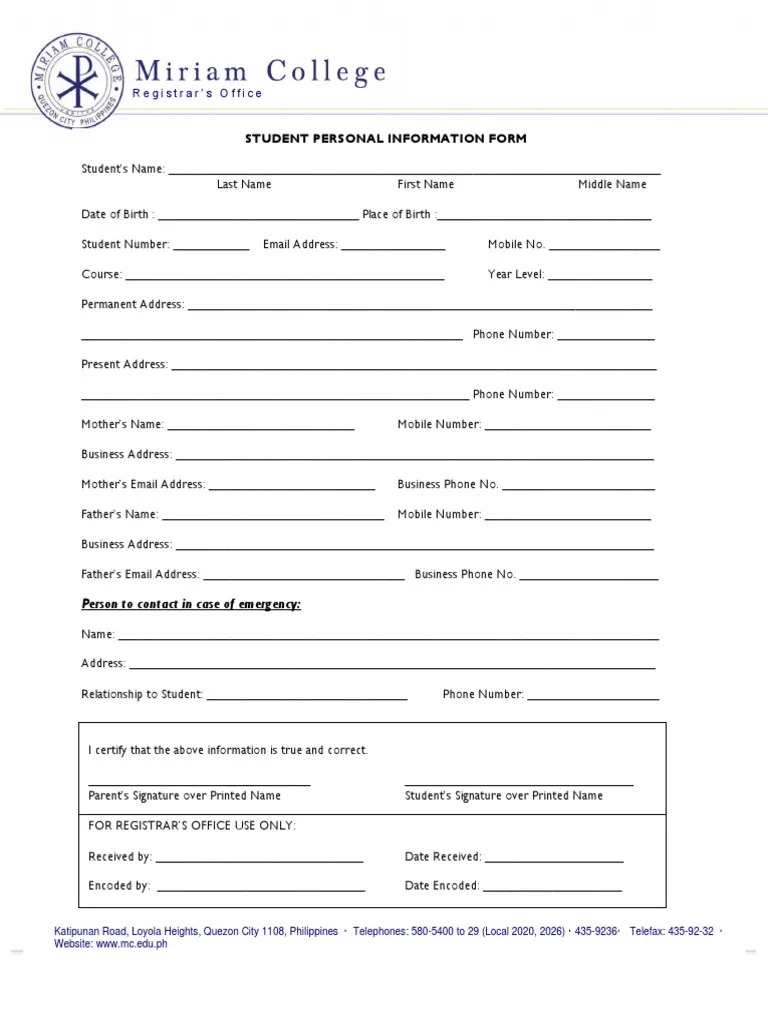
If your APAAR card has mistakes — like an incorrect name, date of birth, or gender — you must correct this first before creating or updating your DEB ID. A mismatch will lead to errors during admissions or verification.
Steps to Correct Your APAAR / ABC ID
- Verify the information on your APAAR card – Look for any missing or incorrect details.
- Raise a correction ticket through the appropriate support system or the Digilocker interface.
- Confirm the corrections – After the update, check if your APAAR card reflects accurate details.
- Proceed to DEB ID – Only after verifying the APAAR updates should you move on to generate or update your DEB ID.
These steps ensure that your academic identity is consistent, and you don’t face rejections or mismatches later.
How to Create Your DEB ID
Once your ABC ID and APAAR card are correct, creating your DEB ID is a straightforward process on the official portal.
Creating DEB ID – Student Flow
- Visit the DEB Portal’s “Get Your DEB ID” section.
- Enter your ABC ID and personal details like name, date of birth, and gender.
- Provide authentication and acceptance of consent.
- Follow the on‑screen steps to receive your DEB ID.
This DEB ID becomes a long‑term identifier you will use across distance learning admissions and verifications.
Updating Your DEB ID
If your DEB ID was already created but needs corrections — perhaps due to a name change or academic update — the process is similar:
Steps to Update DEB ID
- Confirm your correct ABC ID and APAAR card details first.
- Use the “Update Your DEB Details” form available on the DEB portal.
- Enter your existing DEB ID and associated details correctly.
- Update only after confirming your ABC ID and APAAR information is final.
Ensuring your IDs are synced avoids future discrepancies when applying for courses or validations.
Common Questions Students Ask
Education identifiers can feel complex, so here are some common questions answered clearly:
What if I don’t have an ABC ID?
You must create ABC ID first through your Digilocker account. This is the foundation for APAAR and DEB IDs.
Can I create DEB ID without ABC ID?
No. A valid ABC ID is required before you can generate DEB ID.
What if I see errors after creating my DEB ID?
Always update your APAAR / ABC ID first, then follow with DEB ID updates. Directly correcting DEB ID without fixing APAAR details will not work.
Tips for Smooth Registration
- Keep all personal documents ready before creating your IDs.
- Use the same name format across Aadhaar, Digilocker, APAAR, and DEB forms.
- Double‑check dates, spellings, and capitalization before submitting forms.
These small checks save time and avoid rejections.
Why DEB ID and ABC ID Matter for Students

In a digital education landscape, identifiers like ABC ID and DEB ID act as your academic passport. They help institutions recognize your credentials automatically, reduce paperwork, and provide a standardized academic identity.
Imagine a situation where you want to apply to multiple universities — having correct IDs means you don’t repeat verification steps repeatedly. It’s a seamless journey from enrolment to degree completion.